Product Description
Id Card Printers
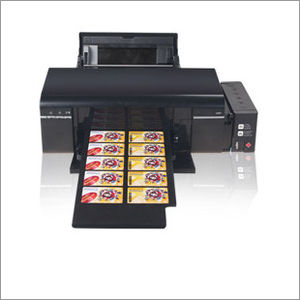
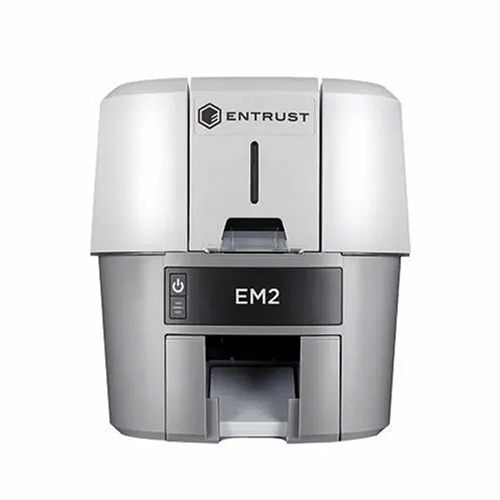
Clients can avail from us quality ID Card Printer. Developed using excellent quality components and other material, all our printers are highly demanded by clients. Available in market at economical rates.
Features:
- It directly prints on inkjet pvc card.
- No need of cutting and lamination.
- Hi Printing Quality
- Low printing cost
- ID card maker software is absolutely free with Printer
Achieve professional-quality results with swift print speeds of up to 150 cards per hour in full color. The dual-side printing capability reduces manual intervention, making it perfect for bulk tasks in busy environments. Whether youre printing student IDs or employee badges, this printer streamlines operations with remarkable efficiency, all while maintaining quiet operation below 60dB.
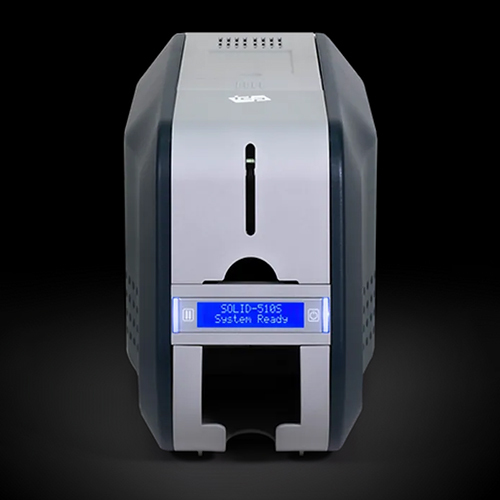
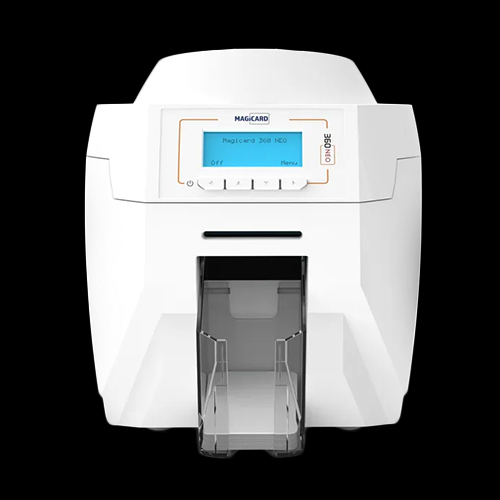
Intuitive Digital Control InterfaceFeaturing a digital LCD control panel, this desktop card printer is user-friendly and guides you through every stage of the printing process. The clear, easy-to-read display provides real-time status updates, helping users manage jobs effectively. Refilling ribbons and card trays is quick and simple, supporting extended operation for large print jobs.
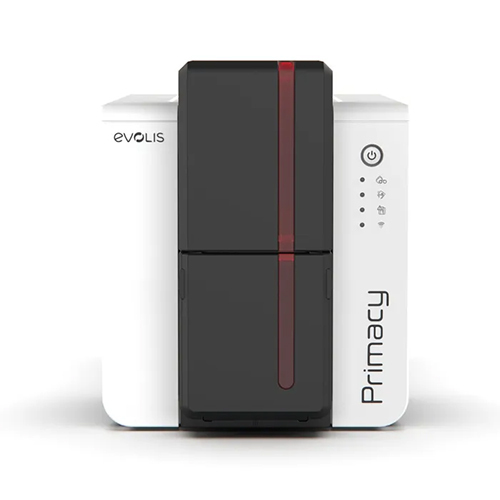
Durable and Compact for Any WorkspaceManufactured from high-quality ABS plastic and metal components, this ID card printer combines strength with a sleek, compact form factor. Its plastic casing protects sensitive internals, while its standard rectangular shape fits neatly on most desks. Designed for frequent use in diverse settings, it ensures reliable performance for various institutions and organizations.
FAQs of ID Card Printers:
Q: How do I set up and connect the ID card printer to my computer network?
A: To set up the printer, connect it to your computer using the supplied USB 2.0 cable or via Ethernet for network use. Make sure to install the appropriate drivers compatible with Windows or Mac OS. Once installed, the printer will appear as a selectable device in your printing applications.
Q: What types and sizes of cards are supported by this ID card printer?
A: The printer is compatible with standard PVC cards in CR80 and CR79 sizes, supporting thicknesses from 0.25 mm to 1 mm. This versatility makes it suitable for ID cards, membership cards, and access cards used in various institutions.
Q: When should I refill the card tray and ribbon?
A: Refill the input hopper when it contains fewer than the maximum 100 cards, or whenever you notice that your print jobs are interrupted. The ribbon should be replaced when you observe color fading or receive a low ribbon warning on the digital LCD control panel.
Q: Where can this card printer be used effectively?
A: This card printer is ideal for environments such as schools, colleges, offices, government institutions, banks, and events. Its compact design and network connectivity make it suitable for desktop use in various professional settings across India.
Q: What is the process for dual-side printing with this device?
A: Dual-side printing is automated and can be enabled through the printers software interface. After selecting the two-sided printing option in your settings, the machine will print on both sides of each card without manual intervention.
Q: How does the digital display benefit daily operations?
A: The digital LCD control panel provides real-time information on job status, error messages, and maintenance alerts, making operation intuitive and downtime minimal. It allows users to monitor print progress and manage settings efficiently.
Q: What are the noise levels and durability features of this printer?
A: With operational noise below 60dB, the printer ensures a quiet work atmosphere. Built with a blend of 72% ABS plastic and 28% metal components, the device is robust, durable, and designed for consistent use in active workplaces.









 Send Inquiry
